Integrate AWS to CloudOps
Prerequisites
Before connecting your AWS account to CloudOps, you need to configure AWS account settings for each resource you want to collect.
Register CloudOps Service Account
Register a service account in CloudOps using the information obtained above.
Access Asset Inventory
Navigate to [Asset Inventory > Service Account] menu in the CloudOps console.
Go to Service Account Creation Page
(1) Select the AWS tab at the top.
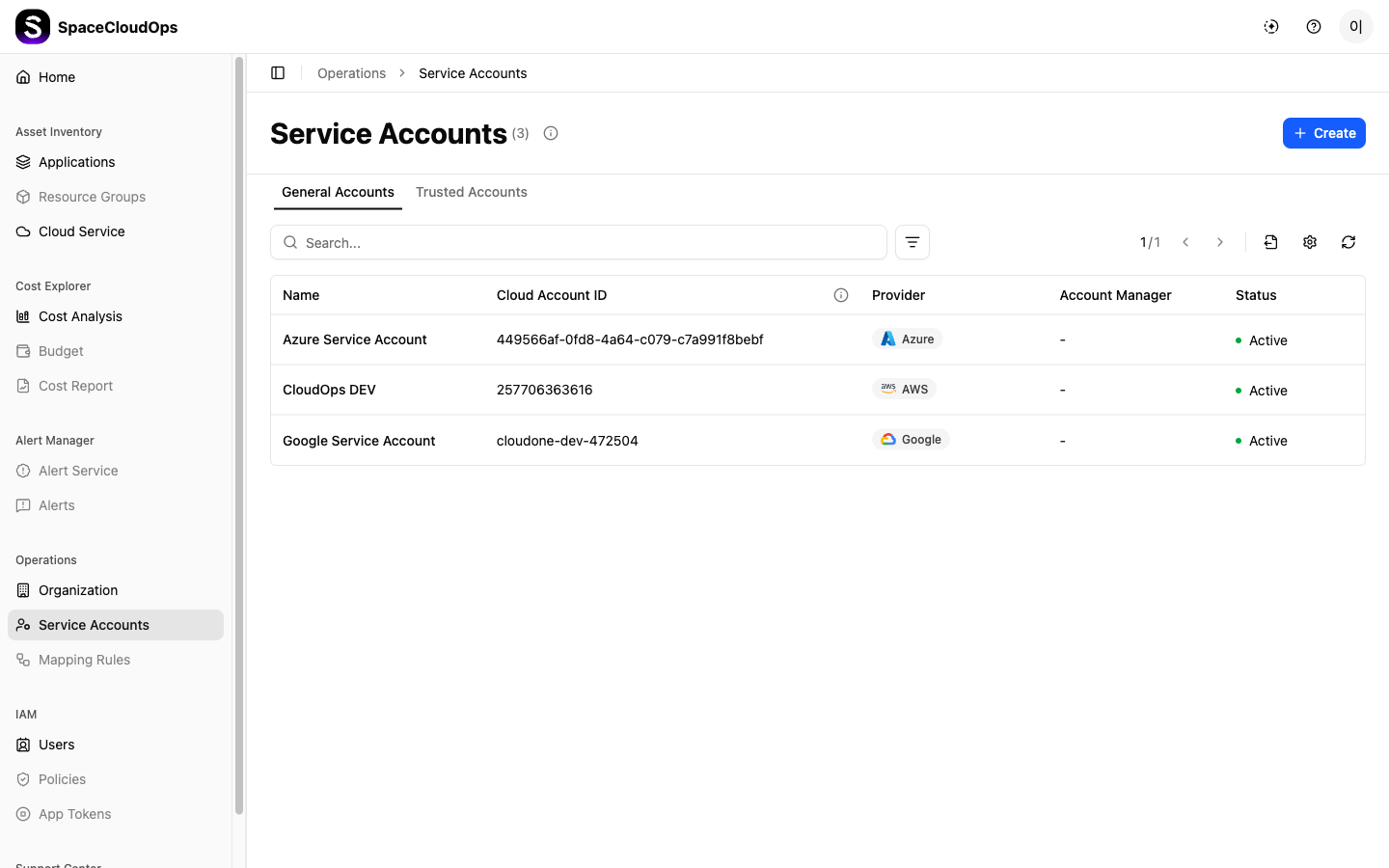
(2) Click the [+ Create] button.
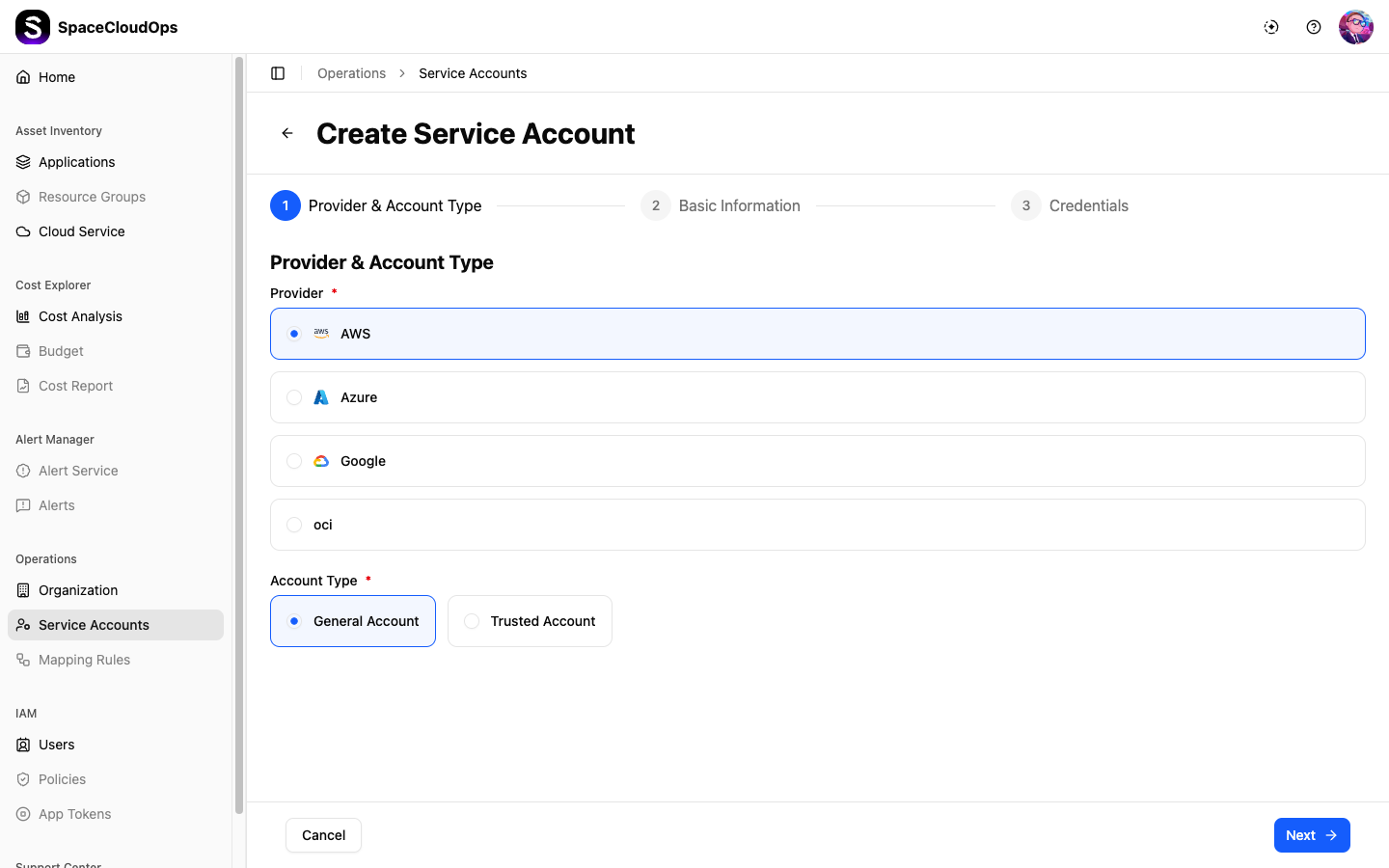
Enter Basic Information
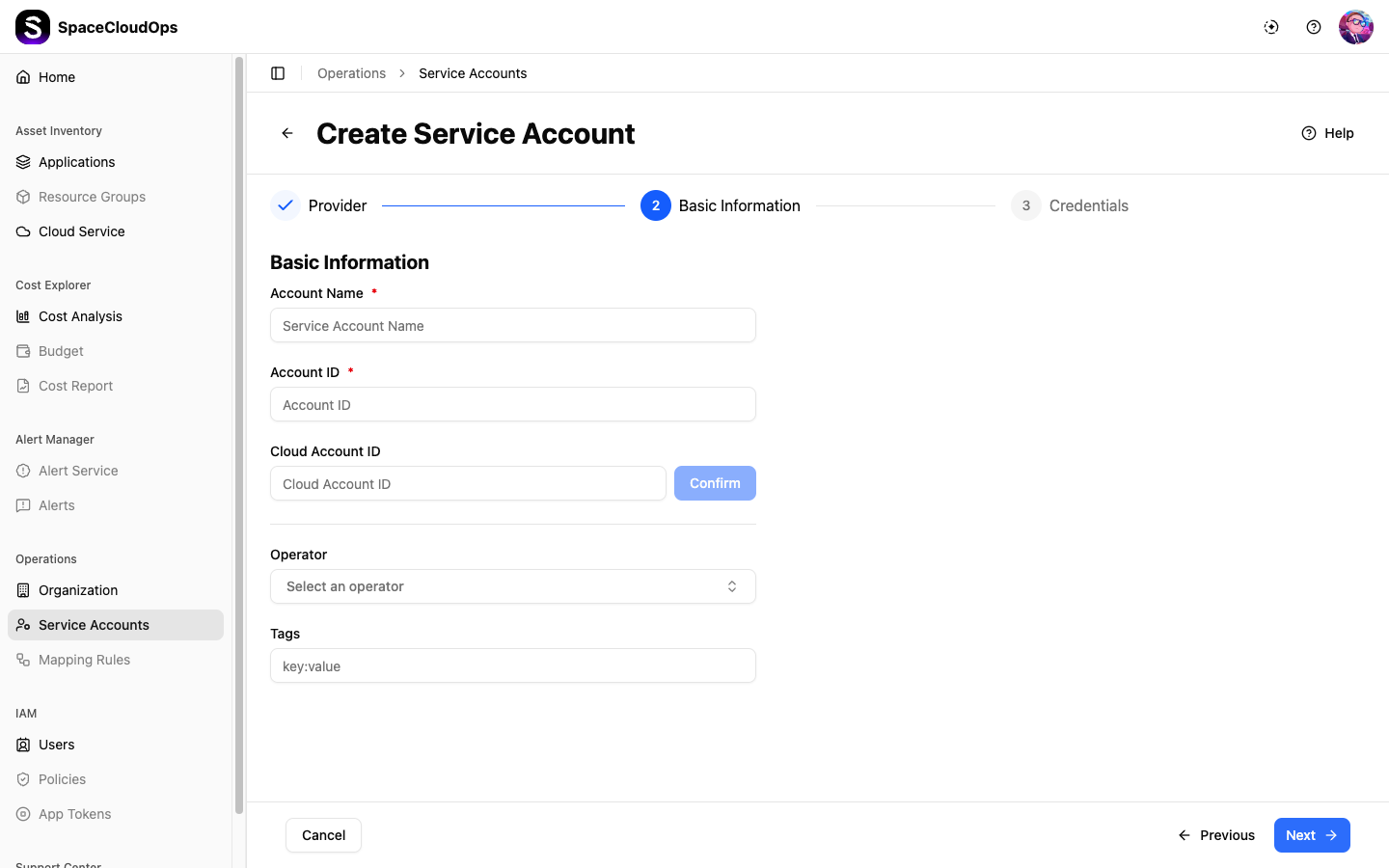
Enter the following information:
- Name: Service account name
- Account ID: AWS Account ID
- Project: Select the project where the service account will belong
- Tags (optional)
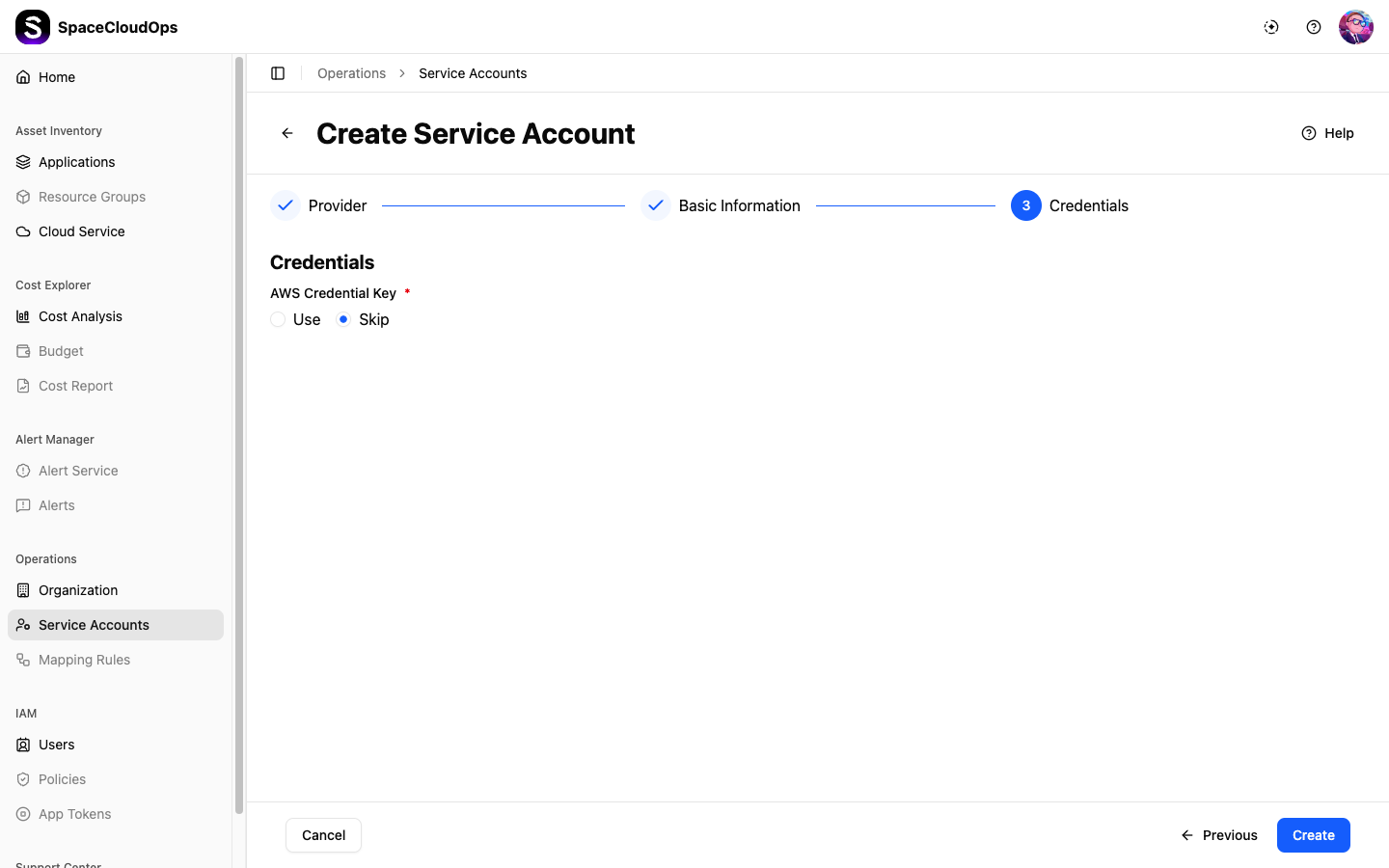
Enter Credentials
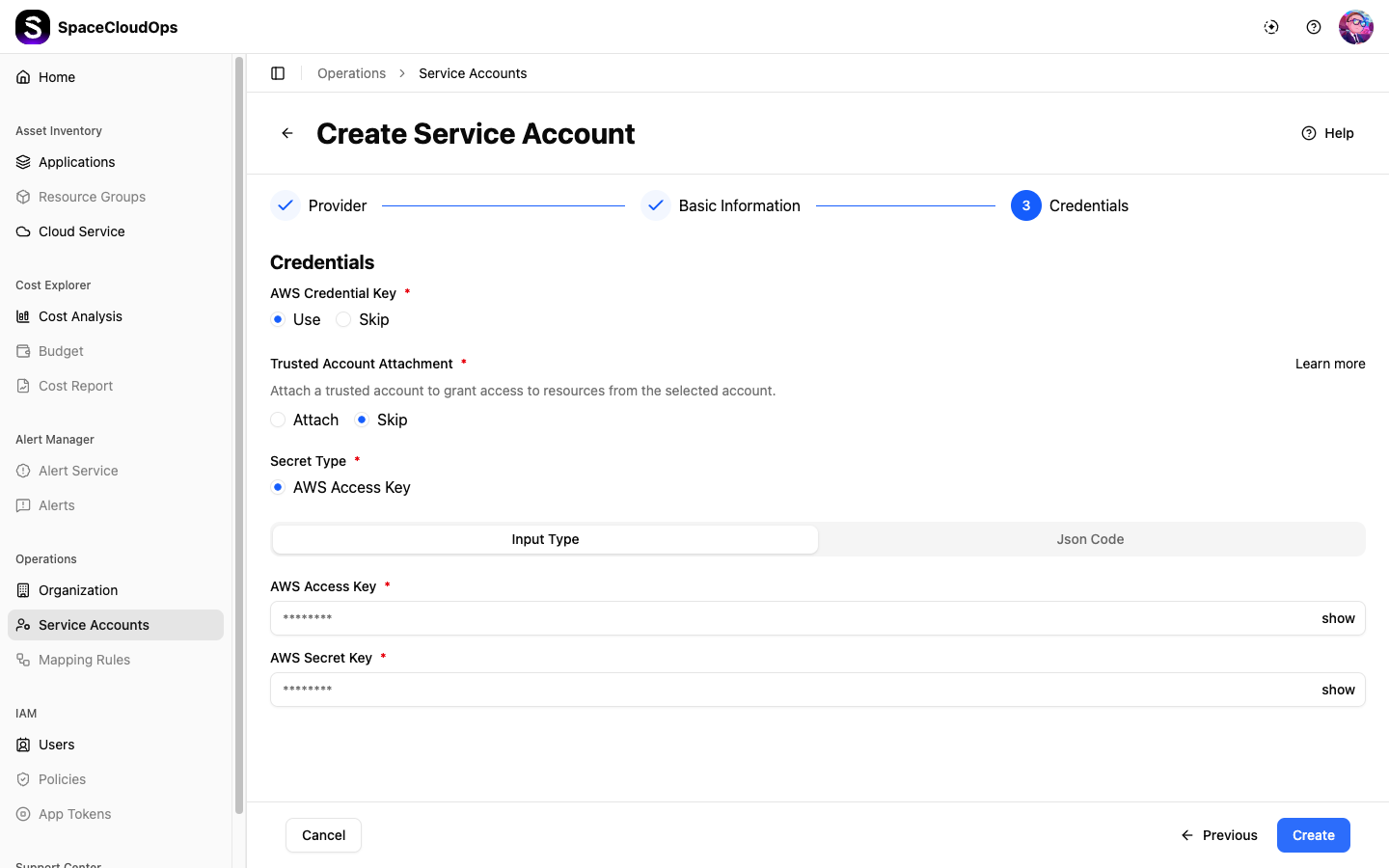
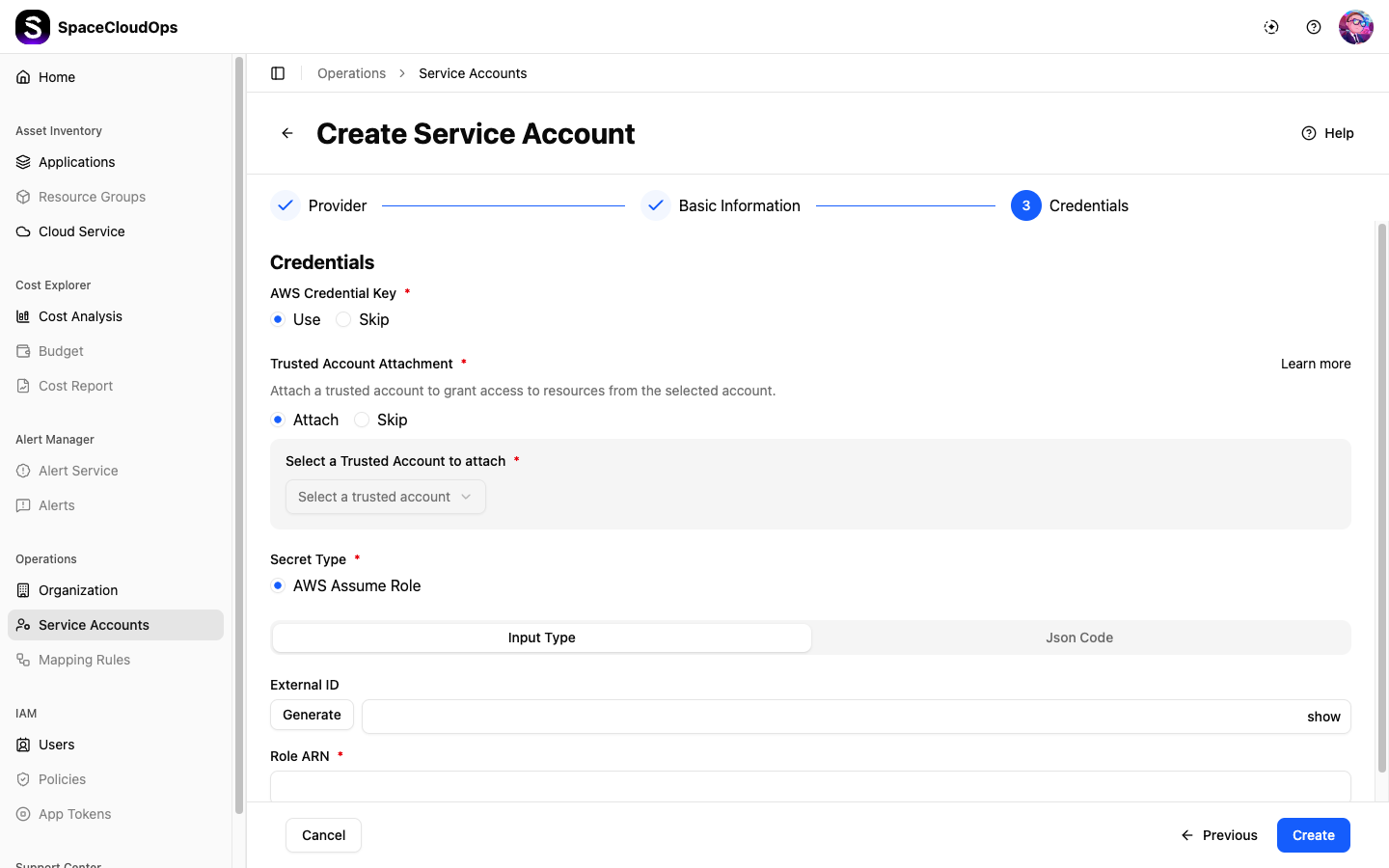
Enter the authentication information for the IAM user created earlier. The required information differs between Access Key and Assume Role methods.
Access Key Method
Enter the authentication information for the pre-created IAM user.
- AWS Access Key ID
- AWS Secret Key
Assume Role Method
Enter the authentication information for the pre-created IAM role.
- Role ARN
- External ID (optional)
Configure Auto Synchronization
If needed, you can automatically map AWS’s service account hierarchy structure to CloudOps.